Termination


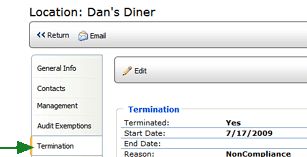
If a location has been terminated, the TERMINATION page displays the details of the termination, including the date and reason for the action.


To edit the Termination tab:

  1. From the Location Profile, click the TERMINATION tab on the left.
  2. Click the EDIT button.
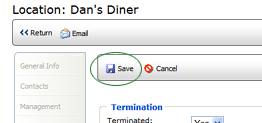
  3. Edit the fields as required.
  4. Click the SAVE button.