
The AUDIT EXEMPTIONS page displays a list of exemptions that have been
issued.
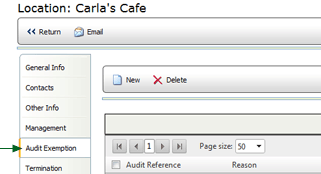
To view the details of the exemption, click the link in the Audit Reference column. From this page you may edit the details of the exemption, if necessary.
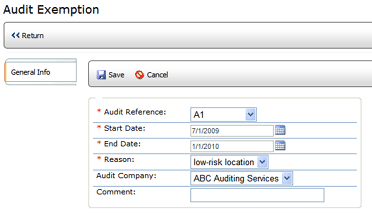
To add a new exemption:
 |
The administrator configures the reason list under the Droplist Configuration screen of the System Setup tools. See Droplist Configuration. |
