Change History

The CHANGE HISTORY tab displays a sequential history of changes made to
any of the profile pages. It includes:
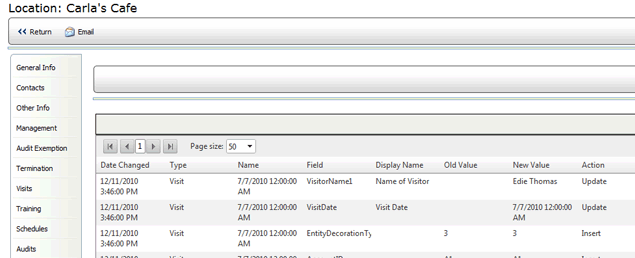
- Date of change
- Type of change
- Management level of the user who made the change
- ID and Name of the field that was changed
- Old and New values
- Action that was taken (e.g., Update, Change, Insert, etc.)
- User ID of the person who made the change. (NOTE: If this change
required approval, then the User ID of the person who approved the
change appears here; not the person who requested the change.)
