Edit a Training Session

To edit a training session:
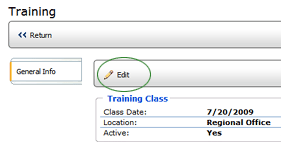
- Select the session in the list. The details of the session are
displayed.
- Click the EDIT button.
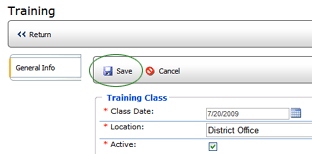
- Make the necessary changes, then click the SAVE button.
- Click RETURN to return to the list of training sessions.
