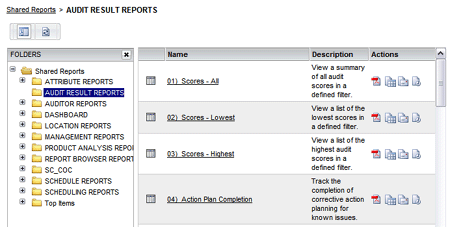
When you select the SHARED REPORTS menu option, all reports and/or folders
within the Shared Folder are displayed.
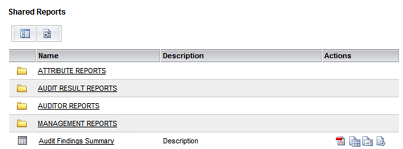
THE REPORT LIST
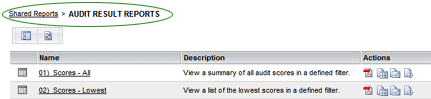
All reports in the current folder appear in this window. Note that the
location of the folder you're currently viewing appears at the top of
the window. To navigate to a folder higher in the folder hierarchy, click
directly on the name of the folder that you wish to move to.
The following buttons appear at the top of the list.
|
SHOW/HIDE TREE NAVIGATION
- view folder contents in a tree navigation view. |
|
REFRESH - refresh the contents of the current folder. |
In addition to being able to run a report from this window, there are several other options available for each report. All options that are available to you appear in the Actions column. Note that some options require Level 2 permission.
|
PDF - allows users to view the report in a printable PDF format. |
|
Export - allows users to export the report to various formats. |
|
Send Now - allows users to email a copy of the report. |
|
Subscriptions - allows users to subscribe to the report. |